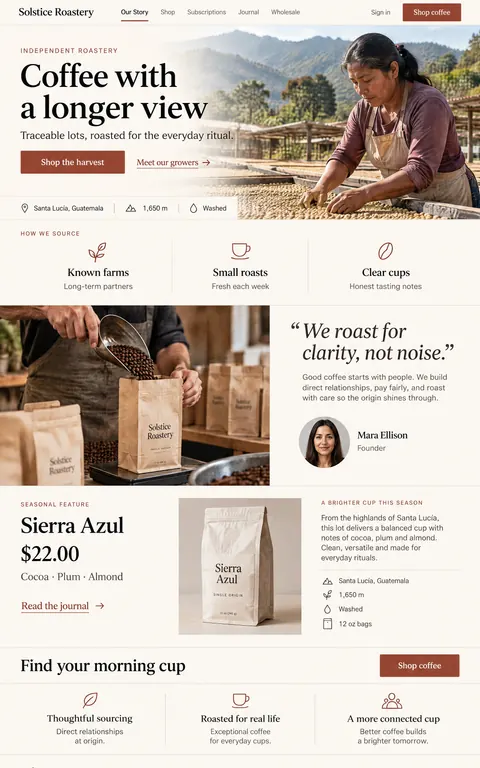
Solstice Roastery
Web5 screens
A warm, editorial website for an independent coffee roastery, from origin story to wholesale.
Make one like thisMobile9 screens · Designed with DesAIgner
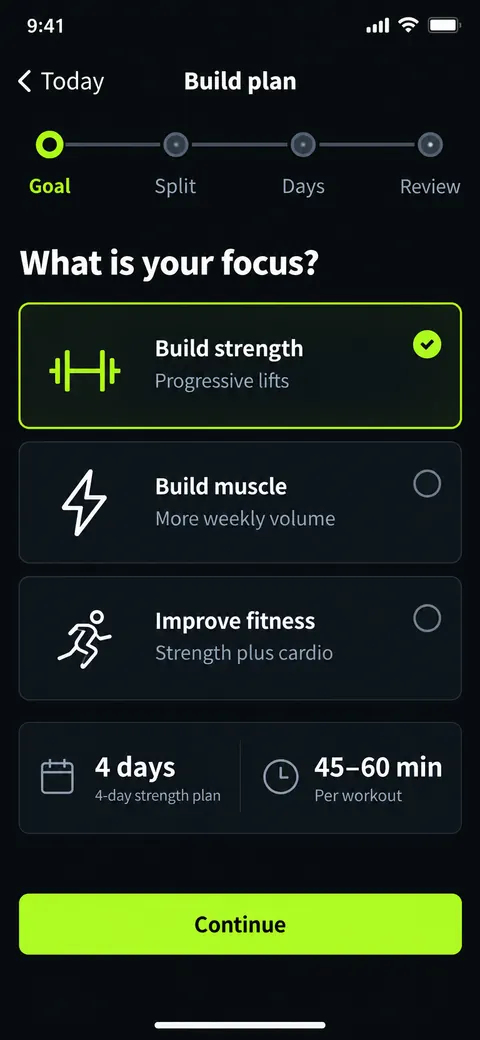
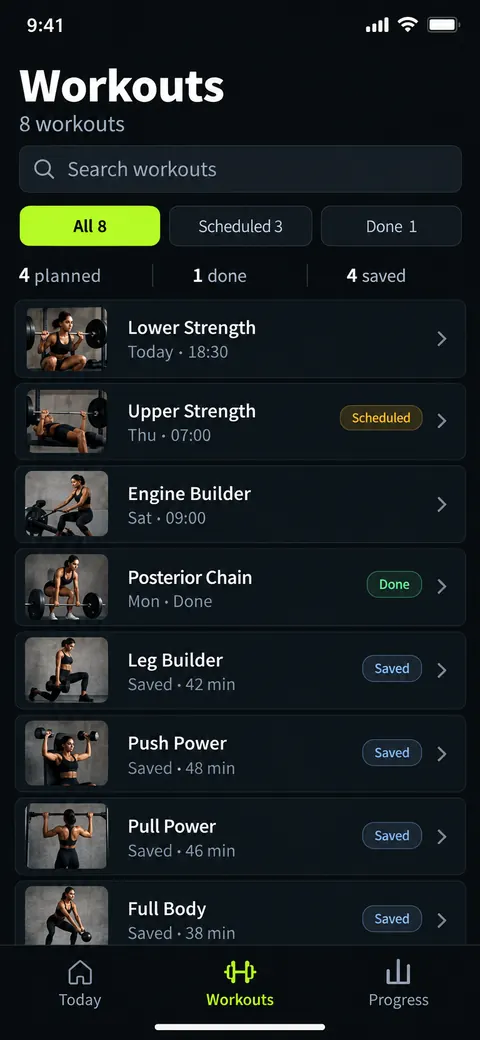
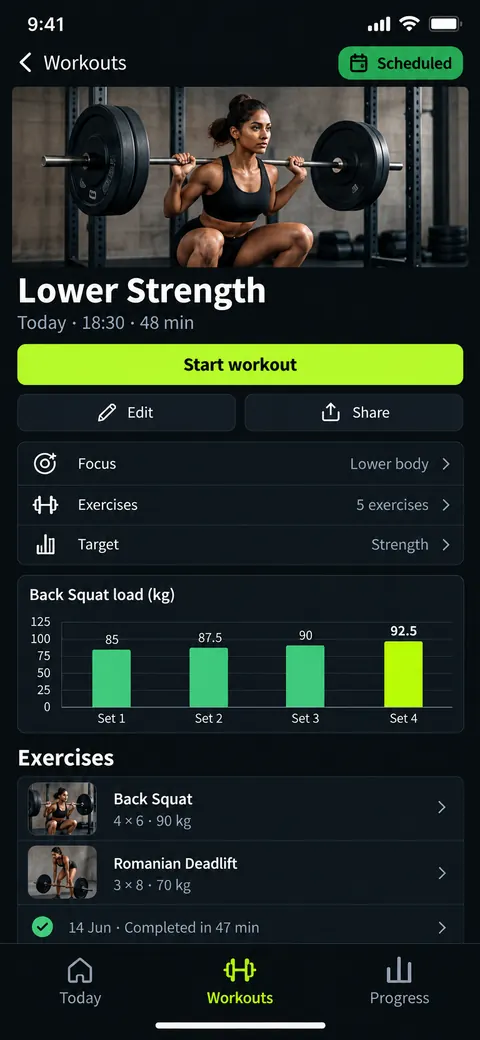
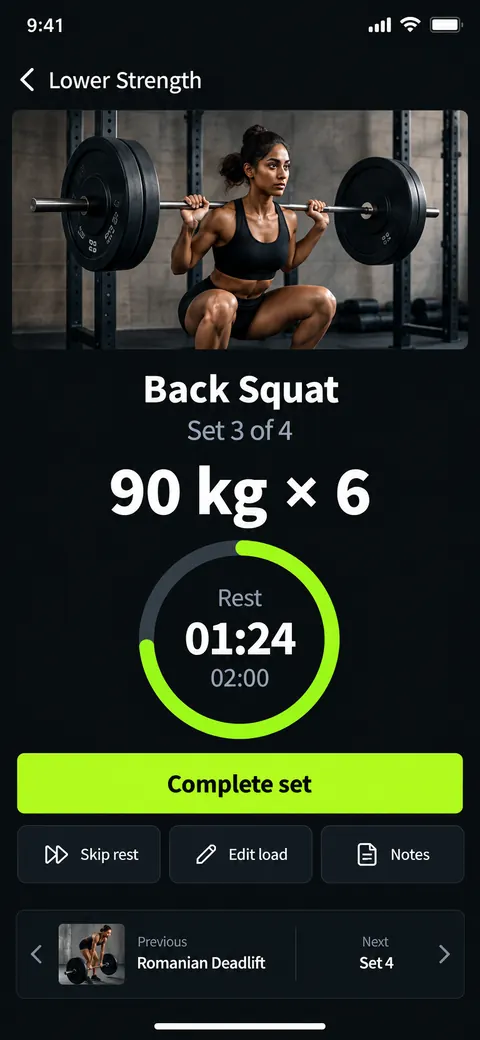
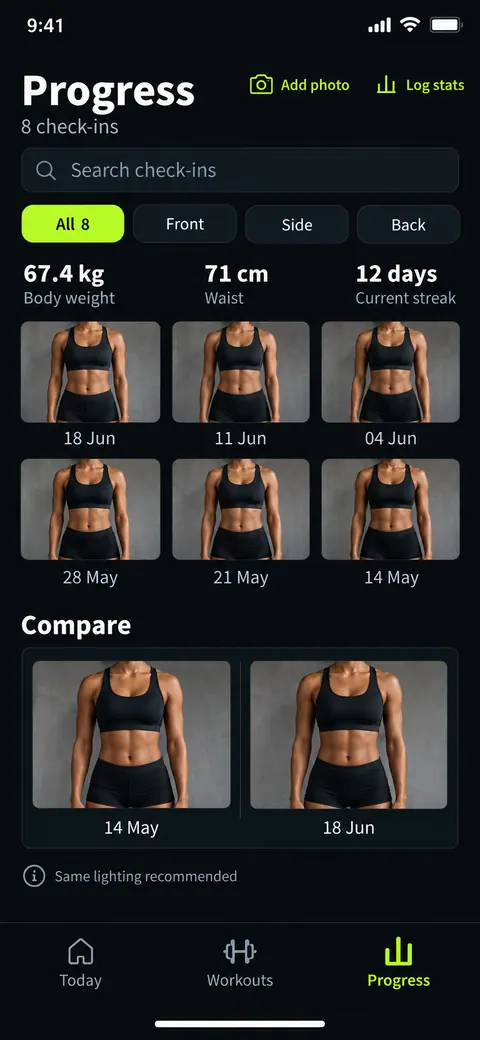
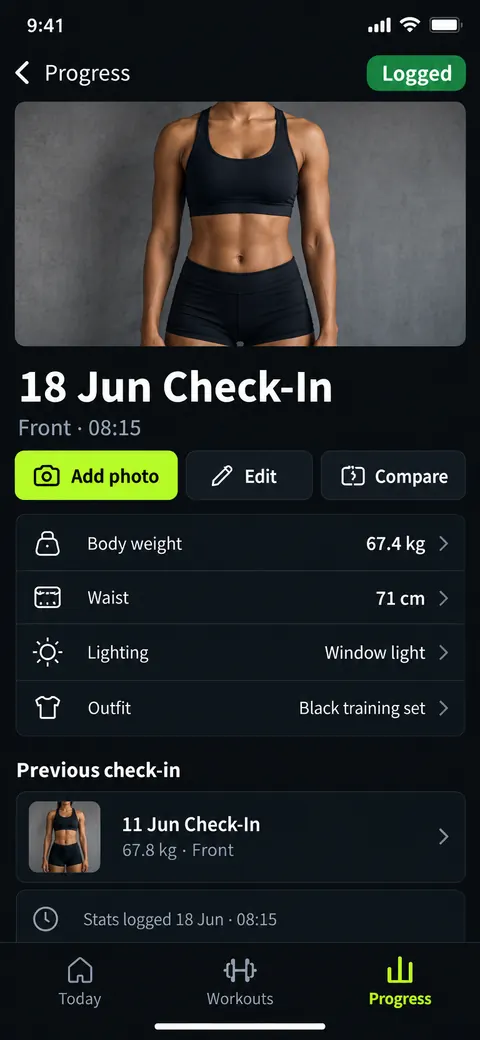
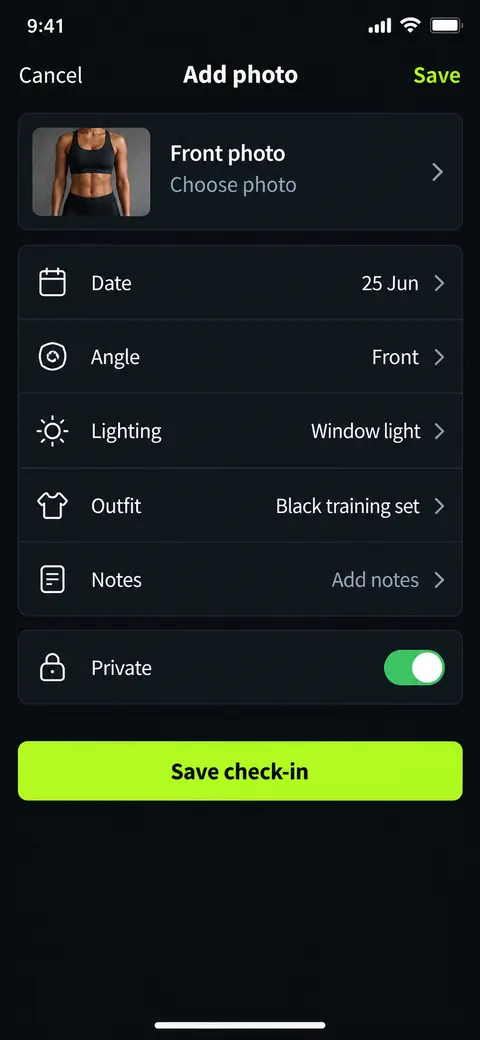
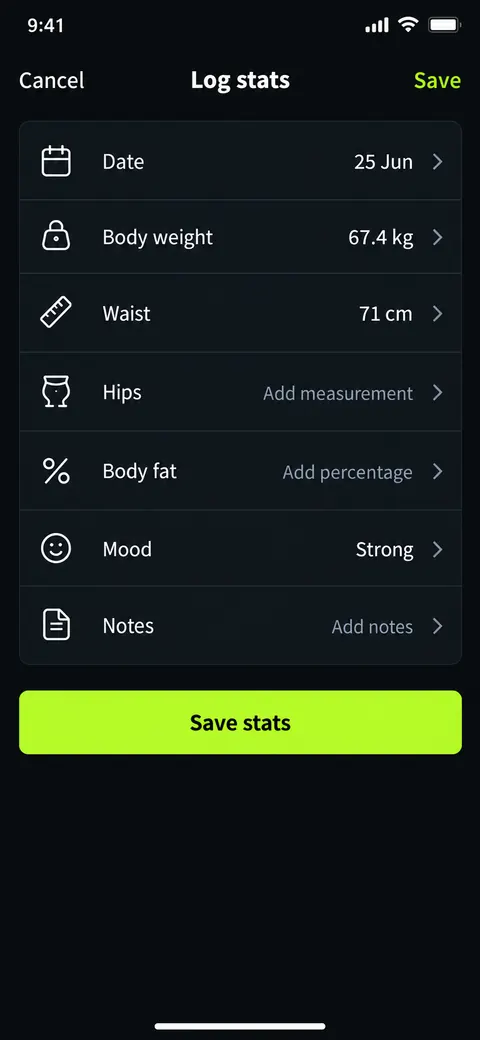
A personal fitness app that plans workouts and tracks progress.
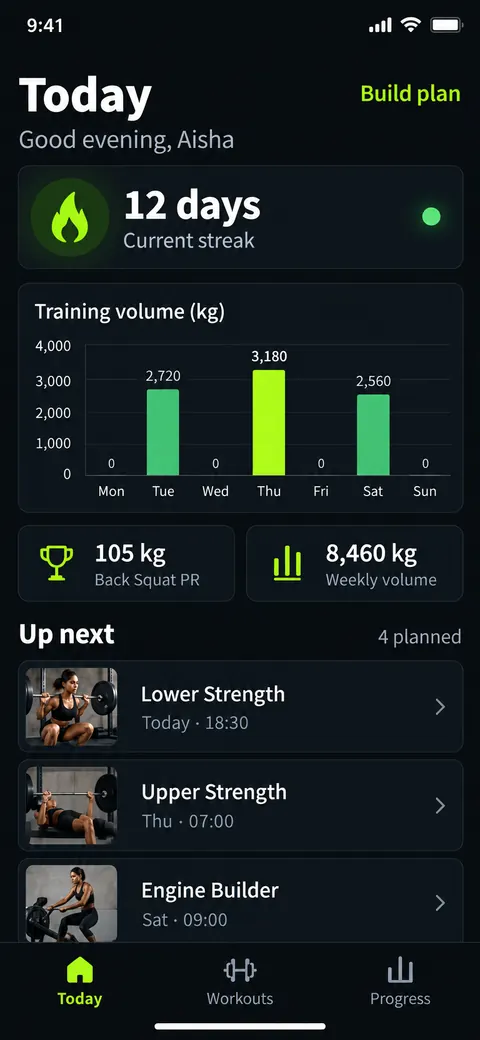
“A personal fitness app that builds a weekly workout plan, guides each workout with sets, reps and rest timers, tracks progress photos and body stats, and shows streaks and personal records.”
IBM Plex Sans / IBM Plex Sans
data-dense · instrumental · energetic · neon-accent · ios
A warm, editorial website for an independent coffee roastery, from origin story to wholesale.
Make one like this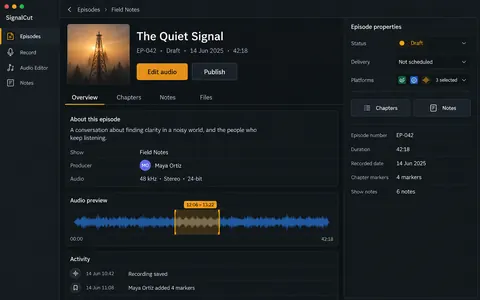
A desktop studio for podcast producers: record, edit the waveform, add chapters and publish.
Make one like this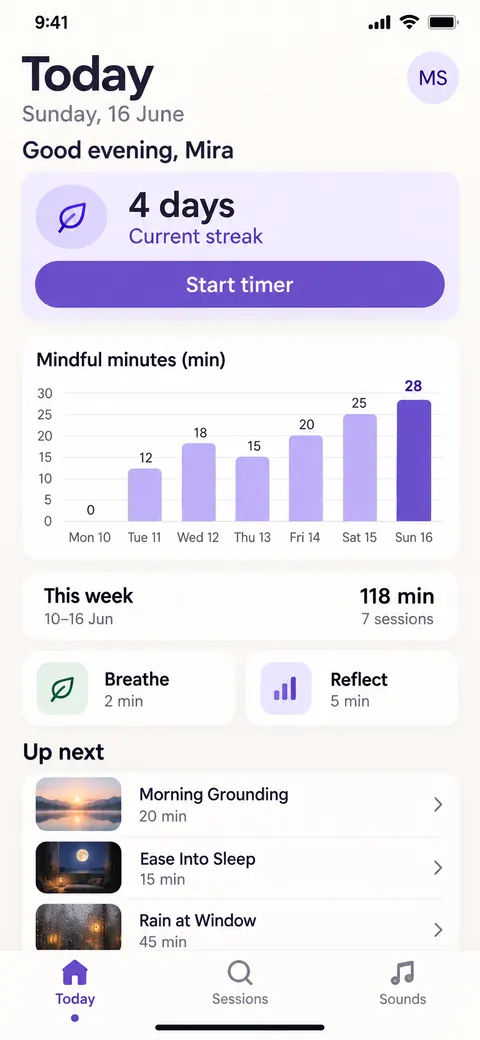
A calm meditation timer with guided sessions, ambient sounds and a gentle weekly summary.
Make one like this